
You can invite your friends to join using the mobile app or by logging in to your account online.
To invite friends using the mobile app:
- At the top-left corner, select Settings.
- At the top of the Settings screen, tap Invite Friends.
- Select names from your contacts to send an invite, customize the message if you'd like, and tap Send.
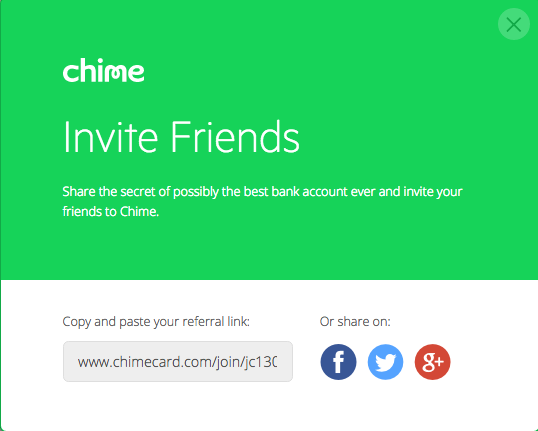
You can also share your customized invite link on the Invite Friends screen by going to the top-right corner and tapping Share.
You can copy-and-paste your invite link or share on Facebook, Instagram, or Twitter.
We currently offer a referral bonus every time you refer someone new to us using your referral link, and they receive a single qualifying direct deposit of $200 or more! Your friend must enroll and complete a single direct deposit of $200.00 or more from their payroll provider within 45 days of opening their new account. If the terms are complete, both you and your friend will get $100 each!
Referral Incentives
Occasionally, we'll offer incentives to invite your friends to join. We'll notify you through email or in the mobile app when a referral offer is available.
Comments
0 comments
Please sign in to leave a comment.